


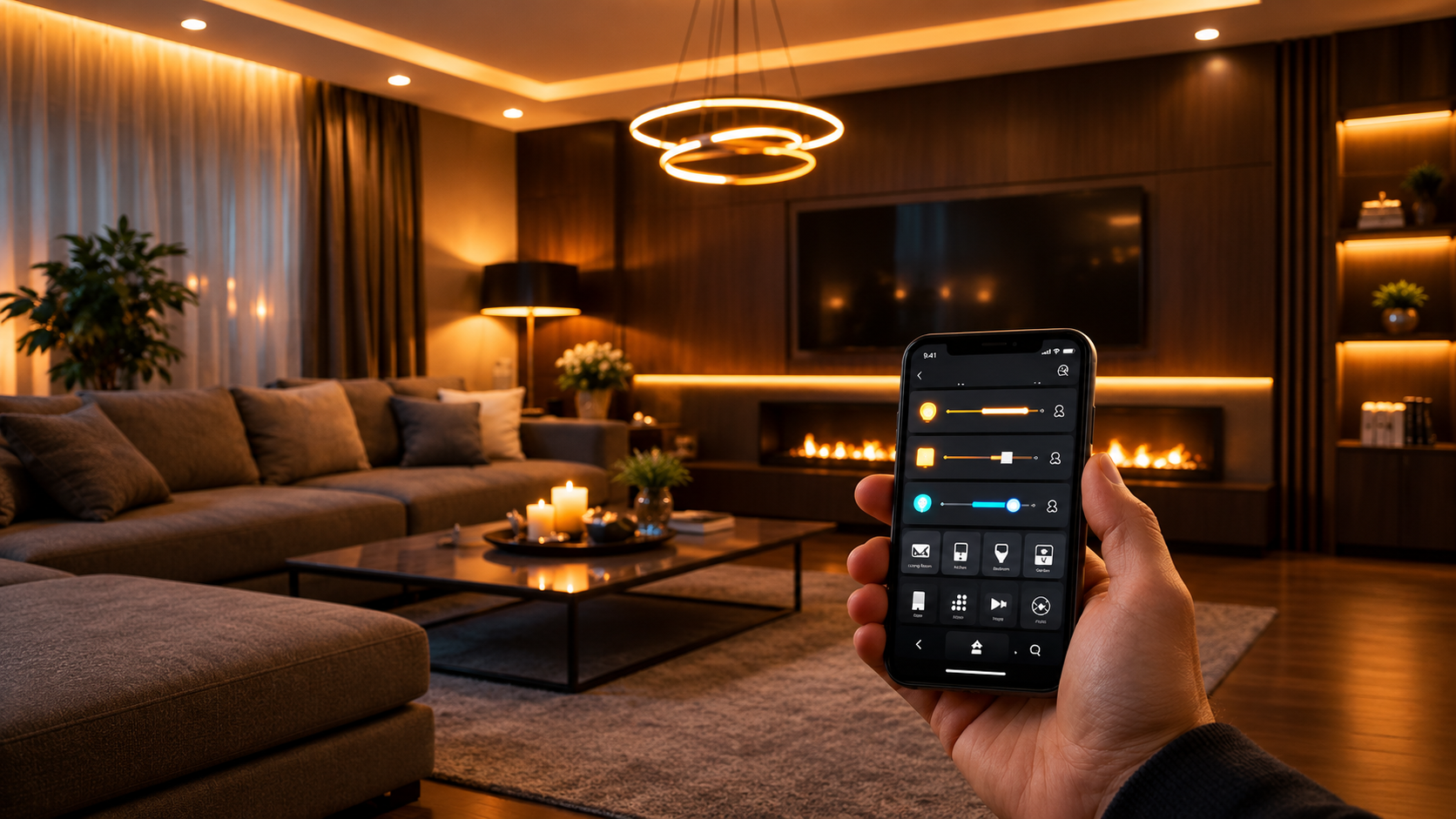

Sensors and Automated Lighting are changing the way modern homes, offices, hotels, and commercial spaces manage their lights. Instead of manually switching lights on and off, smart lighting systems can use sensors to detect movement, occupancy, daylight, and other environmental conditions.
When a sensor detects a specific condition, the lighting system can respond automatically. For example, motion detection can trigger lights when someone enters a room, while daylight sensors can help adjust lighting when sufficient natural light is available.
This combination of sensors and automation can improve convenience, support energy-conscious lighting practices, and create a more responsive indoor environment.
In this article, we explore how sensors and automated lighting work, the main types of sensors, their benefits, applications, and important factors to consider when planning a smart lighting system.
Sensors are devices that detect changes in the surrounding environment. In smart lighting systems, sensors can provide information that allows an automated lighting controller to respond without requiring manual operation.
Automated lighting uses programmed rules or smart controls to determine when lights should switch on, switch off, dim, or change according to available conditions.
A basic system may include:
These components can work together to create a more responsive lighting environment.
The basic process is relatively simple.
First, a sensor detects a specific condition. This could be movement, occupancy, or a change in ambient light.
The sensor then sends information to the lighting control system. Based on the programmed settings, the system determines what action should take place.
For example:
Motion detected → Controller receives signal → Lights turn on → No movement for a set period → Lights dim or turn off
The exact operation depends on the type of sensor, lighting equipment, controller, and automation system being used.
Different sensors can support different lighting automation requirements.
Motion sensors detect movement within a defined area.
They can be useful in spaces such as:
When movement is detected, the lighting system can activate the lights according to predefined settings.
Occupancy sensors are designed to determine whether a space is being used.
They can be useful in offices, meeting rooms, classrooms, and other areas where lights do not need to remain on continuously.
The system can automatically control lighting based on occupancy conditions.
Daylight sensors detect the amount of natural light available in an area.
A smart lighting system can use this information to adjust artificial lighting according to the available daylight.
For example, lights near windows may require less artificial illumination during bright daytime conditions.
Passive infrared, or PIR, sensors detect changes in infrared radiation associated with movement.
They are commonly used for motion-based automation and can be suitable for rooms, corridors, entrances, and other areas.
Microwave sensors use electromagnetic waves to detect movement.
Depending on the system design, they can offer different detection characteristics compared with PIR sensors.
The appropriate sensor depends on the space, installation requirements, and desired detection behavior.
One of the biggest advantages of automated lighting is convenience.
Users do not always need to search for a switch when entering a room. A suitable sensor can automatically activate the lighting when the required condition is detected.
Sensors allow lighting systems to respond to changes in the environment.
Instead of operating lights according to a fixed schedule alone, automation can consider occupancy and environmental conditions.
Smart lighting systems can provide more control over when and how lights operate.
Depending on the system, users may be able to configure:
Automated controls can help prevent lights from remaining on unnecessarily.
For example, lights in an unoccupied room can be switched off automatically after a configured period.
Actual energy savings depend on the lighting equipment, usage patterns, automation settings, and other factors.
Smart homes can use sensors to create automatic lighting routines throughout different areas.
A hallway can use motion detection to activate lights when someone walks through it. Bedroom lighting can follow scheduled routines, while living-room lights can respond to occupancy or manual commands.
Automation can also connect lighting with other smart-home devices.
For example:
Motion sensor + Smart light + Smart home controller = Automatic lighting response
This creates a more connected home environment.
Offices can contain multiple rooms and work areas with different occupancy patterns.
Automated lighting can help manage lighting in:
Occupancy-based controls can automatically respond when people enter or leave specific spaces.
This can also reduce the need for employees to manually control lights throughout the day.
Commercial buildings can benefit from lighting automation across larger areas.
Retail stores, hotels, restaurants, warehouses, and other commercial environments may use sensors and automated controls for different lighting requirements.
Large installations require careful planning because sensor placement, detection zones, lighting layouts, and control systems can affect overall performance.
A professional lighting automation design should consider the building's specific requirements rather than applying the same configuration everywhere.
Before installing a sensor-based lighting system, consider the following factors.
Check how large an area the sensor can effectively monitor.
Sensor placement can affect detection performance. Walls, furniture, doors, and other obstacles may influence the sensor's field of detection.
Choose the sensor technology based on the space and required application.
Make sure the sensor and control system are compatible with the selected lights and switches.
Consider whether the system supports adjustable time delays, brightness levels, schedules, or other required automation features.
Some smart lighting systems use wired connections, while others communicate through wireless technologies.
The appropriate option depends on the project requirements.
Poor planning can reduce the effectiveness of an automated lighting system.
A sensor positioned in the wrong location may fail to detect movement correctly.
Installing unnecessary sensors can complicate the system and increase installation costs.
A large room may require appropriate sensor placement to provide adequate coverage.
Automation should match how people actually use the space. A system that switches lights off too quickly can become inconvenient.
Sensors, controllers, switches, and lights should be compatible with one another.
Traditional lighting generally depends on manual switches.
Sensors and automated lighting add another layer of control by allowing the system to respond automatically to environmental or occupancy conditions.
| Feature | Traditional Lighting | Automated Lighting |
|---|---|---|
| Manual switching | Yes | Optional |
| Motion detection | Usually no | Yes |
| Occupancy response | Usually no | Yes |
| Daylight response | Usually no | Possible |
| Scheduling | Limited | Available |
| Smart-home integration | Limited | Available |
The right solution depends on the needs of the building and its users.
A successful installation starts with planning.
First, identify the rooms and areas where automation would provide practical value.
Next, determine what type of detection is required. A corridor may need motion detection, while a workspace near large windows may benefit from daylight sensing.
Then select compatible lights, sensors, controllers, and switches.
Finally, configure and test the system to make sure sensors detect the intended conditions and the lighting responds appropriately.
For more smart-home automation ideas, you can explore Techtify.
Sensors detect conditions such as movement, occupancy, or ambient light and provide information that allows an automated lighting system to respond.
Yes. Depending on the system, sensors can trigger lights to turn on, dim, or turn off based on configured conditions.
Yes. Motion sensors can be useful in areas such as hallways, bathrooms, garages, offices, and entrances where lighting needs to respond to movement.
Yes. Daylight sensors can provide information about available natural light, allowing compatible lighting systems to adjust artificial lighting.
Yes. Automated lighting can be used in offices, meeting rooms, corridors, and other areas where occupancy-based or scheduled lighting control is useful.
Sensors and Automated Lighting bring together smart sensors, lighting equipment, and automation controls to create responsive lighting systems. Motion sensors, occupancy sensors, daylight sensors, PIR sensors, and other technologies can be used for different applications.
The right solution depends on the size of the space, lighting requirements, sensor placement, equipment compatibility, and desired level of automation.
For homes and businesses looking to create a more connected environment, sensor-based lighting can provide convenient automatic control while supporting more structured lighting management.
Explore smart-home automation solutions and related technologies through Techtify.

