


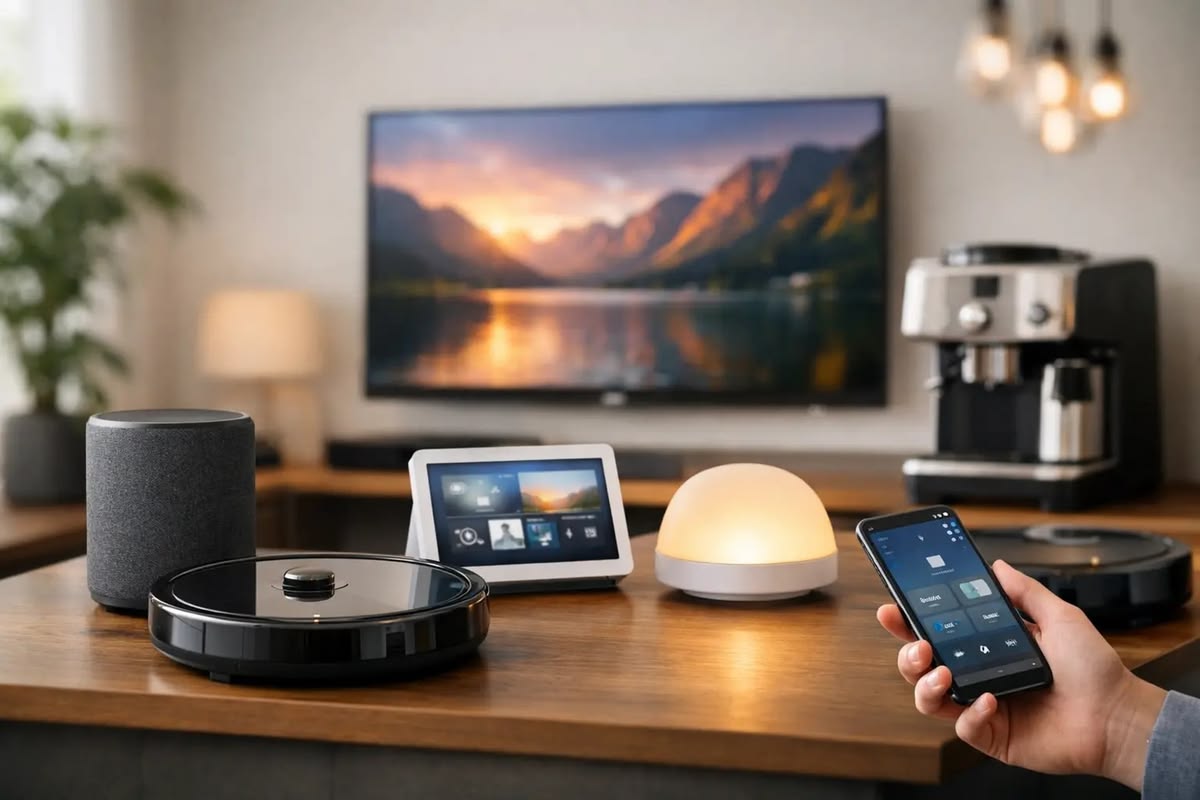

Modern technology has made it easier than ever to turn an ordinary house into a connected smart home. However, many homeowners assume that home automation requires new wiring, major renovations or expensive construction work. Retrofit home automation provides another option by allowing smart technology to be added to an existing property.
With suitable smart switches, sensors, retrofit modules, smart locks and automation controllers, homeowners can upgrade many existing electrical and security systems without completely rebuilding their homes.
Whether you live in an apartment, independent house or older property, retrofit automation can provide a practical way to introduce smart technology gradually.
Retrofit home automation means adding smart technology to an existing home without replacing the entire electrical or automation infrastructure.
Instead of designing automation into a property during construction, retrofit solutions are installed in an already completed building.
Depending on the requirements of the home, a retrofit automation system can include:
The exact combination depends on the home's existing wiring, electrical equipment and the homeowner's requirements.
A retrofit system connects smart devices with existing electrical or security equipment.
For example, a conventional light switch can potentially be replaced or supplemented with a smart control device. This can allow the light to be controlled manually while also providing automated or remote control.
Sensors can add another layer of automation. A motion sensor, for example, can detect movement and trigger a connected light or other device according to a programmed automation rule.
A centralized control system can bring multiple smart devices together, allowing homeowners to manage different functions from one interface.
One of the main advantages of retrofit automation is that homeowners do not necessarily need to move into a newly constructed property to enjoy smart-home features.
Existing homes can be upgraded according to their current electrical and structural conditions.
A complete automation installation during construction may involve planning wiring, switches and control systems in advance.
Retrofit solutions can provide alternatives for homeowners who want to introduce smart technology after construction is already complete.
The installation requirements depend on the selected devices and the existing electrical infrastructure.
Homeowners do not have to automate everything at once.
A practical approach is to start with important areas such as:
Additional devices can then be introduced over time.
This allows homeowners to build their automation system according to their changing needs.
Smart controls can make everyday activities easier.
Instead of manually operating multiple devices, homeowners can use smart switches, touch panels, mobile applications or automation routines to control connected devices.
For example, a homeowner can create a routine that switches off selected lights when leaving the house.
Smart switches can replace or complement conventional switches and provide additional control options.
Depending on the system, users may be able to control connected lights or appliances through manual controls, mobile applications or automation routines.
Retrofit modules are designed to add smart functionality to existing electrical systems.
They can be useful when homeowners want to introduce automation without completely replacing their existing setup.
The appropriate module depends on the electrical configuration and the device being automated.
Touch panels can provide a centralized interface for controlling multiple smart-home functions.
A homeowner could potentially use one panel to manage lighting, scenes and other connected automation features.
Sensors are an important part of automation because they allow systems to respond to conditions around the home.
Common examples include:
For example, a motion sensor can trigger a connected light when movement is detected.
Smart locks can add convenient access control to an existing property.
Depending on the product, users may have options such as digital access, remote management or integration with other smart-home functions.
Retrofit automation can also include security systems such as CCTV cameras and connected monitoring devices.
Combining security equipment with other smart-home technologies can create a more coordinated approach to home security.
Existing lighting can potentially be upgraded with smart switches or suitable retrofit modules.
Homeowners can create schedules or automation routines based on their requirements.
A smart lock can provide a modern access-control solution for an existing main door.
Entrance lighting and security cameras can also be integrated into the overall setup.
Motion sensors can activate lights when movement is detected in selected areas.
This can be useful for corridors, staircases, bathrooms and entrances.
CCTV cameras, door sensors, smart locks and other security devices can work together as part of a connected security setup.
Existing gates can potentially be upgraded with automatic gate systems, depending on the gate structure and motorization requirements.
This can make vehicle and pedestrian access more convenient.
Apartments can also benefit from retrofit home automation.
Since major structural changes may not always be practical in an apartment, homeowners can explore smart devices designed for existing properties.
Possible applications include:
A professional assessment can help determine which devices are suitable for the apartment's existing electrical setup.
Older properties may have electrical systems that differ from modern buildings.
Before installing smart devices, it is important to evaluate the existing wiring, switches and electrical infrastructure.
A professional automation installer can identify compatibility requirements and recommend an appropriate solution.
This is especially important when installing devices that connect directly to electrical circuits.
While some smart devices may be designed for simple installation, electrical and integrated automation systems require proper planning.
Professional installation can help with:
The installer can check whether the selected smart devices are compatible with the existing electrical setup.
A professional can identify which rooms and systems should be automated first and how different devices can work together.
Correct installation helps ensure that connected devices operate properly and safely.
A well-planned system can make it easier to add more automation devices later.
Before starting, homeowners should identify the main goals of the project.
Decide what you want to automate.
For example, your priorities may be:
The home's electrical wiring, switches and other equipment should be assessed before selecting devices.
Select smart products that can work with the existing setup and with each other.
Instead of automating the entire property immediately, begin with high-use or high-priority areas.
Choose an automation approach that allows additional smart devices to be integrated later.
The main difference is when the automation system is planned and installed.
| Feature | Retrofit Automation | New-Home Automation |
|---|---|---|
| Property type | Existing home | New construction |
| Installation stage | After construction | During construction |
| Existing wiring | Usually considered | Can be planned from the beginning |
| Upgrade approach | Can be gradual | Can be comprehensive |
| Renovation requirements | Depends on system | Can be integrated into construction |
| Future expansion | Can be planned | Can be planned |
Neither approach is suitable for every property. The right solution depends on the home's design, electrical infrastructure, budget and automation requirements.
The cost of retrofit home automation varies significantly.
It depends on factors such as:
A small project involving a few smart switches and sensors will have different requirements from a complete home automation system with security, access control and centralized management.
For this reason, homeowners should define their requirements and get a system assessment before making purchasing decisions.
A complete automation system may not be necessary immediately. Start with the functions that provide the most practical value.
Not every smart device works with every existing electrical system or automation platform.
Buying individual devices without considering the overall system can create compatibility and expansion issues.
Devices connected to electrical circuits should be installed according to appropriate safety requirements.
A system should ideally allow additional smart devices to be added as the homeowner's needs change.
As smart-home technology continues to develop, retrofit solutions are becoming an increasingly practical option for existing properties.
Homeowners can gradually add smart functionality instead of replacing their entire electrical system.
Future automation systems are likely to provide greater integration between lighting, security, access control, sensors and other connected devices.
This can make smart-home technology more accessible to homeowners who live in properties that were not originally designed for automation.
Retrofit home automation provides a practical way to bring smart technology into an existing property. Instead of waiting for a new home or undertaking a major renovation, homeowners can upgrade selected systems using smart switches, retrofit modules, sensors, smart locks, security devices and centralized controls.
The best approach is to start with clear requirements, evaluate the existing electrical infrastructure and choose compatible devices. Professional planning and installation can also help create a reliable system that can be expanded in the future.
For homeowners looking to make an existing property smarter, more connected and easier to manage, retrofit automation can be an effective starting point.

